January 26, 2024
How to Make Your Shopify Store Live
So, you’ve spent hours perfecting every part of your Shopify store and imported all your products. Now, it’s time to make your new Shopify store live. But how? To help, we’ve rounded up a few simple steps you can follow to put your Shopify store live. Here’s what you need to do…

1. Add your new domain in Shopify
First things first, you need to add your new domain into Shopify. To do this, login to Shopify Admin. Then go to Sales Channels > Domains > Connect Existing Domain.
Then copy and paste in the domain you want to connect.
2. Update DNS records
You need to login into your domain registrar e.g. GoDaddy, Namecheap etc, and make the following changes to the DNS records: replace the @ or main A record with this IP address: 23.227.38.32
Also, you need to replace the www CNAME with storename.myshopify.com (i.e. your store Shopify link without including the HTTP – you can find this on the Domains Settings page).
3. Remove all storefront passwords
It’s imperative that you remove all storefront passwords, otherwise no one will be able to access your store when it’s live.
To do this, log in to your Shopify Admin, go to Sales Channels > Preferences > Password Protection > untick Enable Password.
4. Set as a primary domain if relevant
You can choose what you want your primary domain to be. To do this, go into Sales Channels > Domains, and set your domain.
Also, be sure to check the ‘Redirect all traffic to this domain’. This means that traffic to all other domains is redirected to your primary domain, which is essential for good SEO.
5. Adding other domains
Using your other domain names, repeat steps 1 and 2. All other domain names will be redirected to the ‘Primary Domain’, which you can change at any time by going to the ‘Set as Primary’ option next to each domain name.
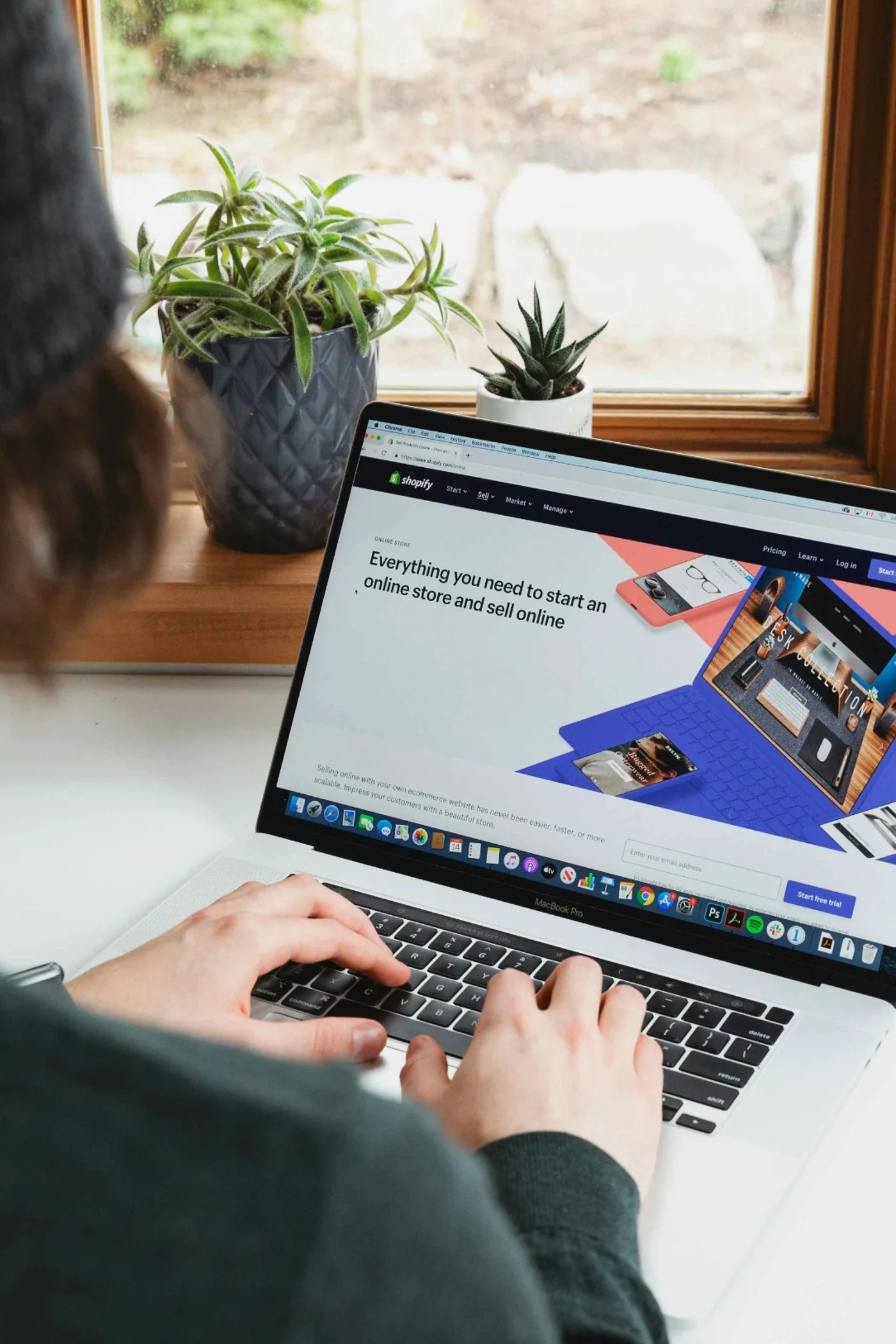
What do I need to check before launching my Shopify store?
Once you’ve followed the above steps discussed, there are still a few final things you must do before setting your site live.
- Make sure all the links across your Shopify store are working and there are no 404s (links to dead/non-existent pages).
- Copy check all your content, including images. First impressions count, so make sure your customers aren’t put off by silly mistakes. Check and check again.
- If you have any active promotional codes on your old store, make sure you set them on your new store.
Need help with your Shopify store?
If you need support making your Shopify store live, then get in touch with us. We have years of experience working with the Shopify platform and can support you every step of the way. Let’s get started!